New: License plate blur tool for your photos
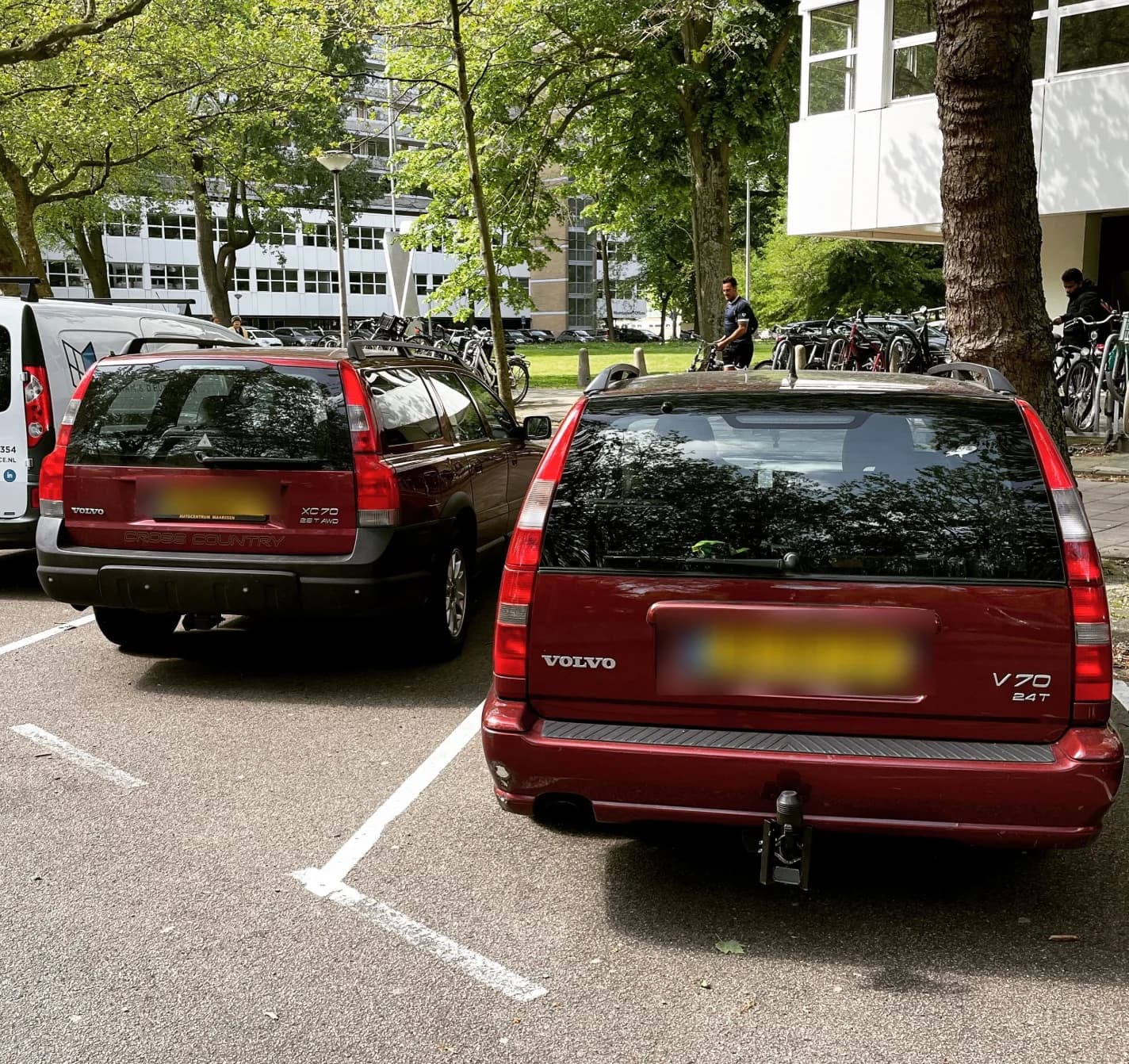
Privacy and control over your own content matter to us. That's why we've added a new license plate blur tool for both existing and new users.
With this feature, you can blur license plates yourself in your Volvo's photos, directly from the website.
How does it work?
Blurring a license plate is quick and easy:
-
Go to My profile and click Edit on one of your cars
-
Click the yellow Blur button on a photo
-
Draw a rectangle over the license plate with your mouse (or finger)
-
Click Apply blur and see the result instantly
You'll always see a preview first before saving.
What can you do with it?
-
Multiple blur areas per photo
-
Full touch support (also works on mobile and tablet)
-
Undo function to reverse changes
-
Real-time preview before saving
This way, you stay in full control of what's visible on your car's page.
Tip: you can also adjust older uploads. Just go to your car and edit the existing photos.
Got feedback or ideas for improvements? Let us know — we build Driving Old Swedes together.